
Keep clients separate
Review requests in the client’s organization. Technicians can see which client, device and user each request belongs to.
For managed service providers
Handle Windows elevation requests by client organization. Give technicians the app, device and reason they need to make a decision.
Up to 50 Windows devices free forever
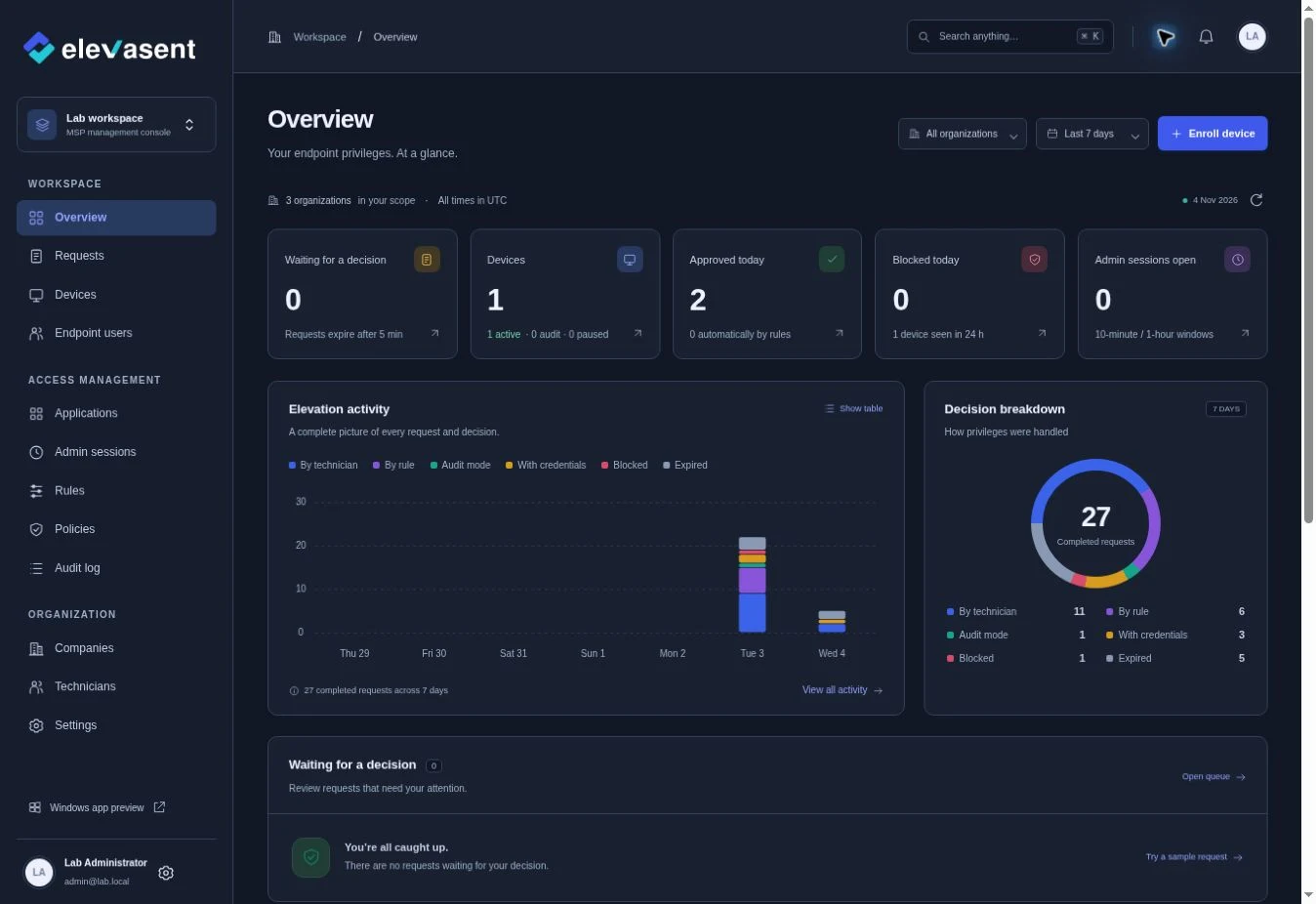
Built around client work
Make approvals easier to handle across client environments, while keeping requests and policies in the organization they belong to.
Review requests in the client’s organization. Technicians can see which client, device and user each request belongs to.
Use rules for known applications and keep exceptions available for technician review. Each client can have different needs.
Find which requests were approved, denied or handled by a rule. Use the audit trail to discuss recurring exceptions with clients.
A repeatable MSP rollout
Pick a client with common Windows elevation needs and use the pilot to refine your approval process.
Common questions
Yes. The dashboard is designed around separate client organizations. You can review requests with client, user and device context.
The policy model is designed around organization scope. Set rules that match each client’s approved applications and review process.
Contact the team with your device and client counts to discuss a larger rollout.